

ImprovementAvailable on every plan
Remove from calendar: clear space without teaching us anything
Rejecting a topic tells Evergreen you never want it. Now there is a lighter option for when you are just tidying up your calendar: remove it, and we can still suggest it later.
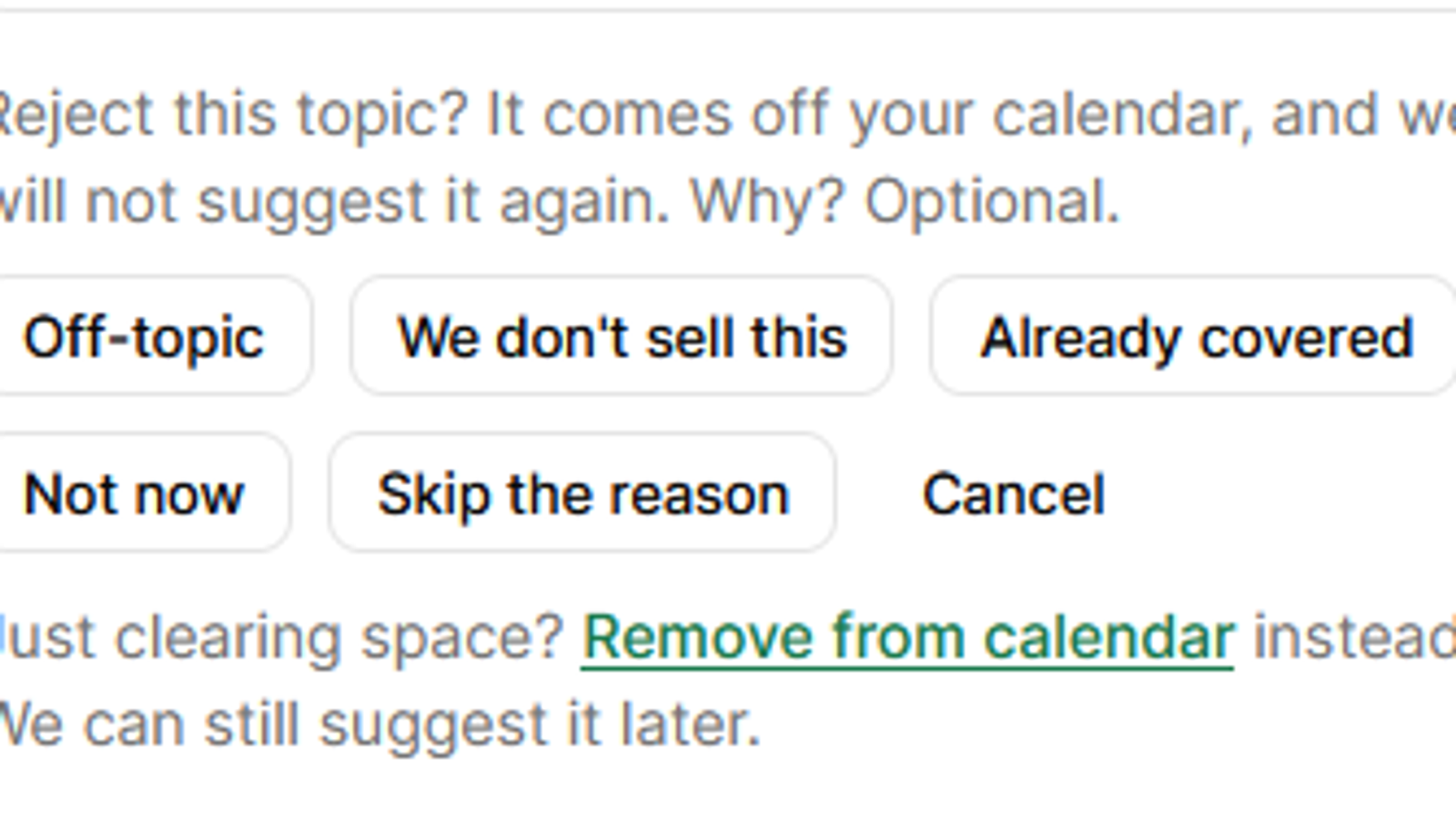
Rejecting a topic is how you teach Evergreen what your business is not about. Reject a few topics as "Off-topic" or "We don't sell this" that share a theme, and Evergreen learns to stop suggesting that theme. You can see each lesson under What we've learned in Your business, and undo it there.
That is the right tool when a topic is wrong for you. It is the wrong tool when the topic is fine and you just want it off this month's calendar. So there is now a second option.
Remove or reject
- Remove from calendar. The topic comes off your calendar and goes back on the list of suggestions. Nothing is learned, and it can be planned again later.
- Reject. The topic comes off your calendar and we never suggest it again. A reason is optional, and "Off-topic" or "We don't sell this" teach Evergreen to avoid topics like it.
How to use it
- On your calendar, open a topic that has not been written yet and press Reject topic.
- Under the reasons, press Remove from calendar.
Good to know
- Remove is only offered before an article has been written. Once there is an article, rejecting it is the way to take it off.
- Changed your mind about a rejection? Find the topic under Rejected on the Gaps page and press Restore to put it back on offer.
Try it on your own site
Available on every plan.